Start your robust
test data management journey
Get a free Data Sync Manager (DSM) Readiness Assessment report

Data Sync Manager (DSM) Readiness Assessment Report
EPI-USE Labs is offering a free readiness report to validate your SAP system size, footprint, supported objects and more, to help you rationalise and secure your SAP landscape. Find out if Data Sync Manager™(DSM) can help you save money and reduce risk through optimised Test Data Management.
What does the free Readiness Report provide?
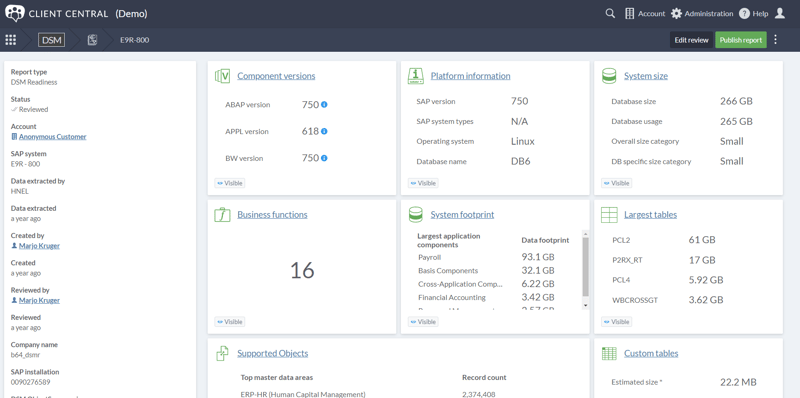
- Visual and interactive insight into your SAP systems, accessible through the secure Client Central portal
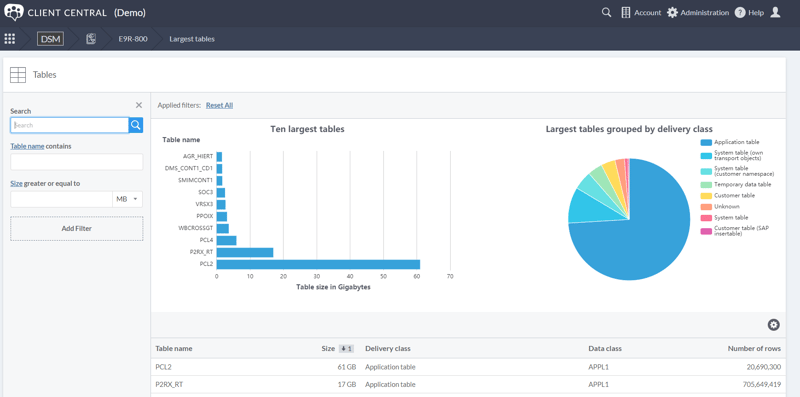
- Data Volumes, Largest tables – highlighting potential space savings
- Custom tables, Active BADIs, Business functions in use
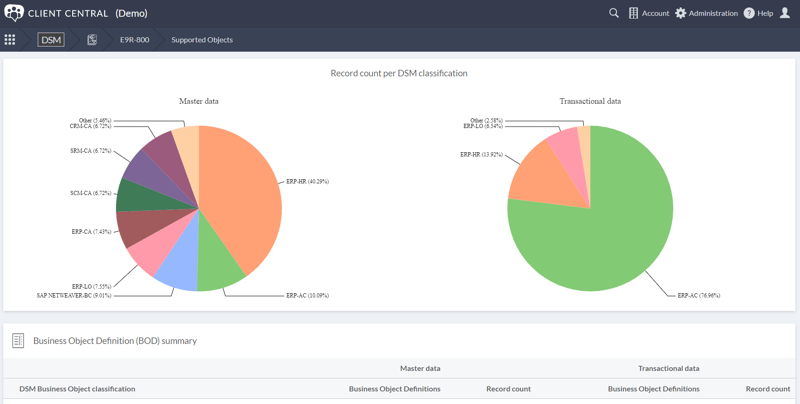
- Used Objects supported for Data on Demand copying
- and much more...
Is there a cost for the assessment?
No, EPI-USE Labs offers this report at no charge to SAP customers, including a dedicated review by our functional experts.