
Supercharge and simplify Employee Central Time Tracking
GeoClock is an easy-to-implement and use mobile and desktop extension to Employee Central Time Tracking which provides a flexible time reporting and employee rostering solution.

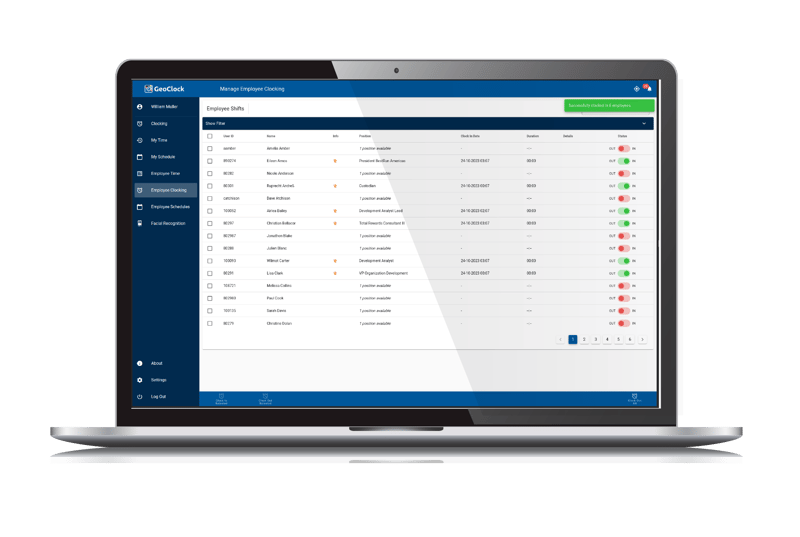
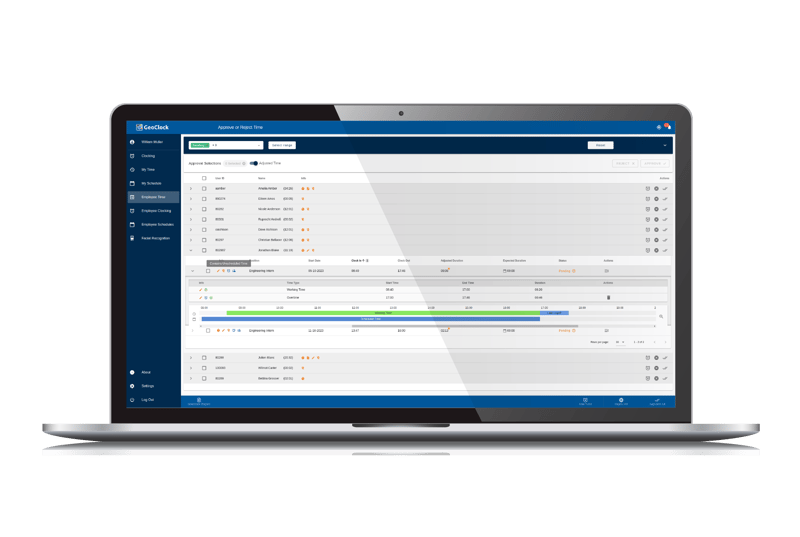
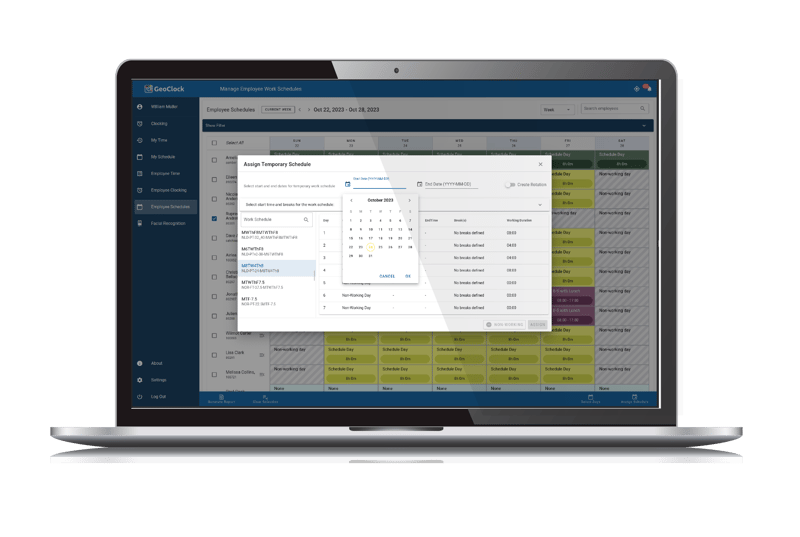
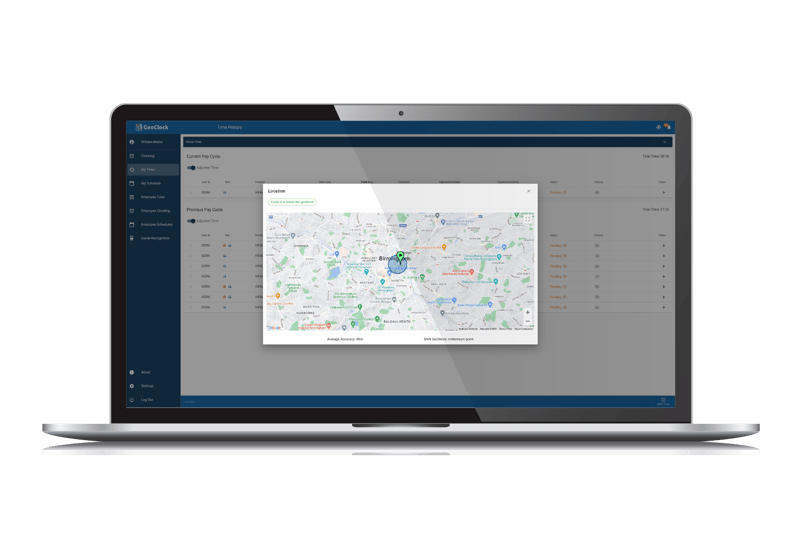
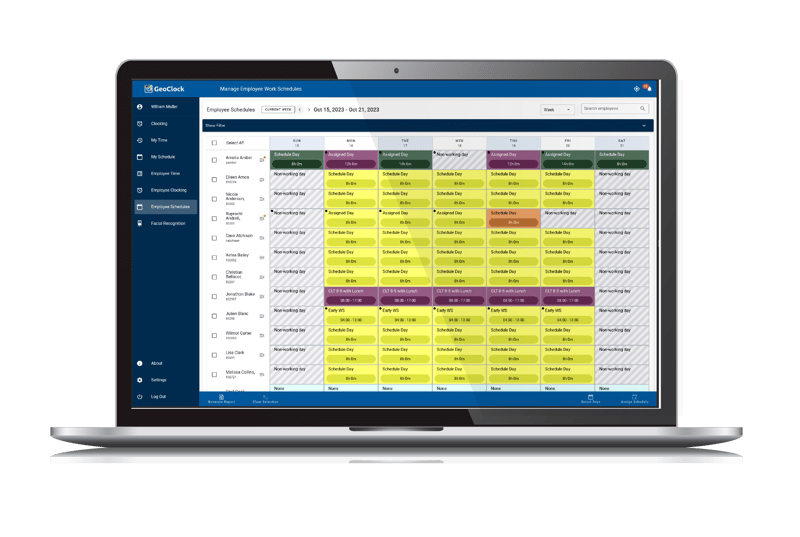
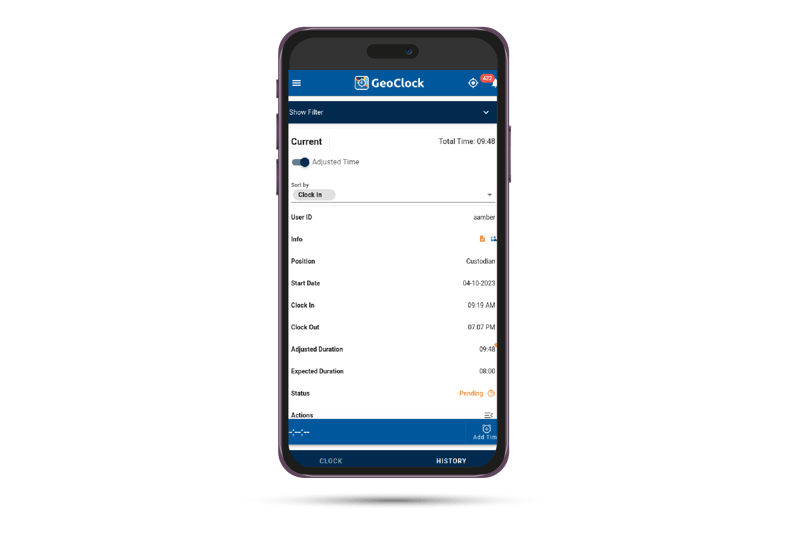
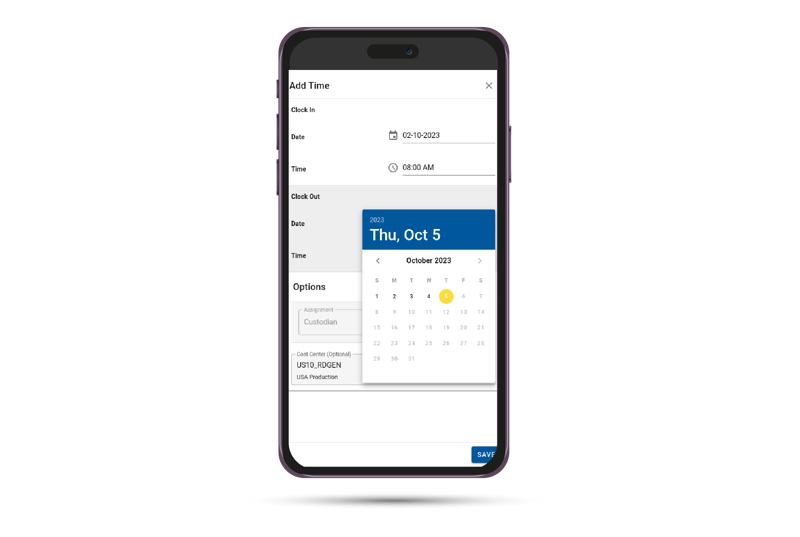
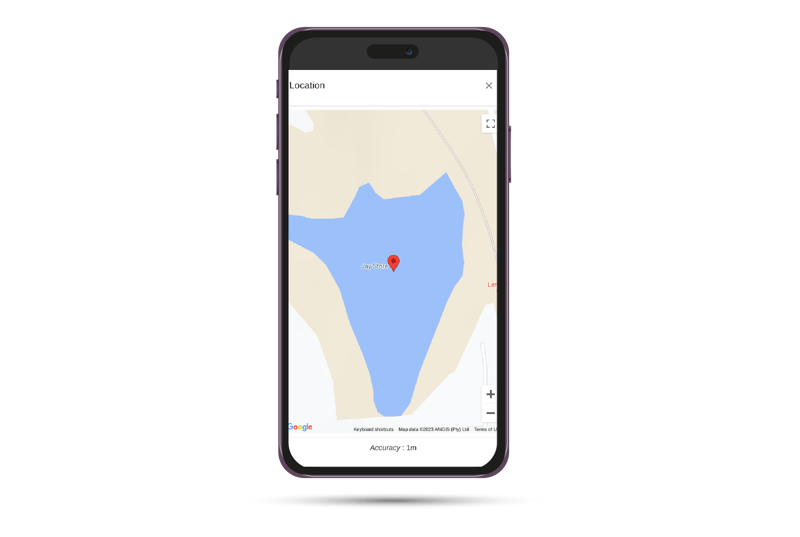
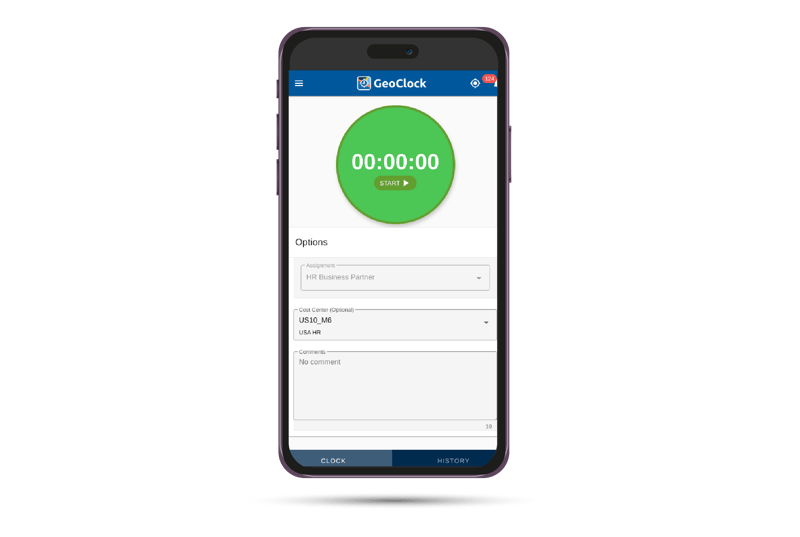
So you're considering Employee Central Time, which does a lot of things well. It gives you access to complex workflows, extensive reporting, and payroll integration, but it's not without limitations. From having to manually track time to limited input fields and field types with limited support for attendances, it doesn't provide the flexibility for an on-the-go supervisor to easily track and approve logged time. You might be thinking: what about external time management systems? These can take months to configure and come with significant training requirements and licensing fees, not to mention losing the benefits that come with Employee Central. That's where GeoClock comes in. Integrating seamlessly with Employee Central, GeoClock leverages the powerful tools already available for HR, reporting, work schedules, and payroll integration, allowing you to capture custom data and automate tedious rule enforcement and time-type assignments to streamline your time capture process. Logging time for a specific cost center or project? Need to indicate that you're responding to a callback? Or capturing the location where you clocked in or out? We've got you covered. With Geoclock, you'll have the ability to create custom fields like geolocation and assign time codes based on user position, job, or any of the Employee Central HR fields. With configurable rounding rules, it allows you to accommodate fluctuating shift patterns. For employees, logging time is as easy as pushing a button or swiping at a terminal. Managers can view their team's time in one centralized location. With the ability to pull schedules from Employee Central and compare work times. Approvals and alterations or modifications can be done en-masse. Gone are the days of completing manual time sheets. Easy integration with minimal training required means change management can take place within a week. Get the most out of Employee Central with GeoClock. Contact us to learn more.

Capture accurate employee hours

Get a unified view of leave and breaks

Seamless integration with SAP SuccessFactors

Low-maintenance time clocking/rostering

Automate calculations and custom notifications

Book your GeoClock demo
See how easy mobile timesheet capture and approvals can be. Discover a no-frills, low-maintenance clocking solution.
Explore the solution
Watch this 30-minute webinar in which our product leader explains all about this innovative solution.

Read ebook
Find out how to configure flexible work schedules and shifts through Employee Central Time Management.