Document Builder: Introduction (DB 001)
Level: Introduction | Course duration: 31min

Document Builder empowers you to quickly and securely design, generate and distribute professional-looking documents in SAP. Document Builder is part of Query Manager 4, our outstanding SAP HCM reporting solution. It helps you to automate the generation of richly formatted letters, documents, reports and visualizations for employees and managers.
Become empowered and add value
Course objectives:
In this course, you’ll learn how to generate real-time documents live in SAP, create conditional content using custom filters to personalize output for the recipient, and create your own professional reports and documents, all without relying on technical resources. You’ll also see how you can streamline your business HCM reporting, thus gaining an understanding of the value that Document Builder adds to your SAP reporting.
Module 1
Welcome to Document Builder
Module 2
Overview of Document Builder
Module 3
Accessing support and further information

At a glance
Prerequisites:
Query Manager 4: Introduction (QM 001)
Query Manager 4: Fundamentals (QM 101)
Cost: Free of charge to any EPI-USE Labs clients
Audience:
Business/Functional users
Managers
Business analysts
Application consultants
Data consultants
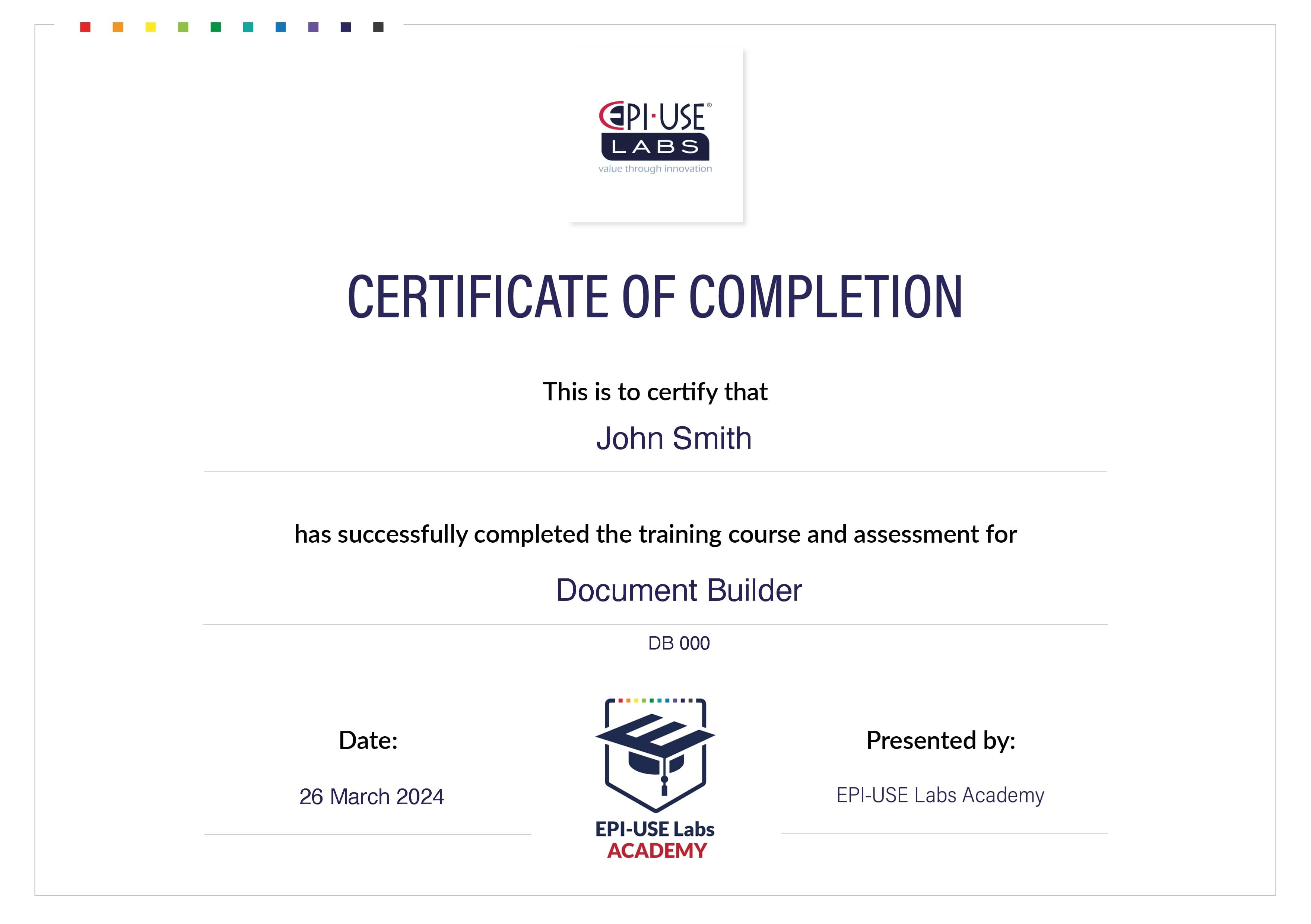
About the certificate
Get to know the basics of Document Builder and earn an official certificate of completion from EPI-USE Labs.
Stand out from the crowd in skill and competence with a certificate of completion for this training course.
Recommended courses
If you are interested in the Document Builder: Introduction and overview (DB 001) course, you may also be interested in the following:
Document Builder: Creating basic documents (DB 600)
Learn how to design, generate and distribute professional HR documents, live from your SAP HCM system, with Document Builder.

Recent client FAQs
Can anyone do the course?
Yes, if your company has purchased the related EPI-USE Labs product. Our courses are aimed at increasing your understanding of the product and enabling you to use it more efficiently. So you need access to the product for the course to be useful to you.
Where do I find out more about a specific course?
Select the 'View course' button to view the detailed information about the course duration, prerequisites and course outcomes.
How do I get access to a course?
When you select the 'Enroll now' option for a course you will be prompted to sign into Client Central. Enter your login details if you are an existing user, or register as a new user. Once you have access to Client Central, you can self-enroll in the course.
Do I need any specific software?
No, all you need is an internet connection and a browser. We recommend using Chrome for the best experience.
Which browser should I use for these online courses?
Although the courses should work on most browsers, we recommend using Chrome.
On which devices can I view these courses?
You can view your courses on any laptop, PC, tablet or mobile device.
How long will I have access to the courses?
The course will be available for a default duration of 1 year, but an extension can be arranged with an EPI-USE Labs representative.
What if I'm interested, but have more questions?
Contact us on the form below.
Get in touch
Need more information? Click here and fill out the form: