Query Manager 4: Fundamentals and basic Query design for Build 498+ (QM 101_498+)
Level: Beginner | Course duration: 7h


Gestalten Sie Ihre eigenen SAP-Berichte mit Informationen aus verschiedenen Bereichen in einem einzigen Bericht. Stellen Sie sich Lohnarten-Reporter, Ad-hoc-Abfrage und Excel - Alles in Einem - vor! Erstellen Sie schnell und einfach einen Bericht mit einer der vielen verfügbaren Vorlagen von Query Manager, um den Prozess zu beschleunigen. Geben Sie persönliche Informationen ein, fügen Sie Felder aus dem Organisationsmanagement ein und sogar Gehaltsinformationen aus dem Cluster der Gehaltsabrechnung hinzu!
Darüber hinaus können alle diese Informationen in einem einzigen Bericht angezeigt werden. Sie können auch die Mehrperiodenfunktion verwenden, um verschiedene Zeiträume auszuwerten. Gestalten Sie die Anzeige, fügen Sie Formeln hinzu und wenden Sie bedingte Formatierungen auf die Ergebnisse an. Query Manager bietet verschiedene Ausgabeformate für eine bessere Berichterstattung.
Gibt Informationen in der vertrauten und bekannten ALV-Ausgabe aus. Verwenden Sie die “In-place”-Option der Excel-Tabelle, während Sie noch an Ihrer Abfrage in Query Manager 4 arbeiten. Lassen Sie Dateien in kommagetrennten, PDF- und Excel-Formaten ausgeben und sie lokal oder auf einem Anwendungsserver speichern. Mit dem Baum-Ausgabeformat von Query Manager 4 reporting with können Sie mehr als nur einfache Organisationsstrukturen auswerten.
Stellen Sie sich vor, Sie könnten Organisationsstrukturen zusammen mit Informationen aus der Personalverwaltung, der Gehaltsabrechnung, der Zeitwirtschaft und anderen SAP-Modulen in einem konsolidierten Bericht auswerten. Erstellen Sie professionelle PDF-Dokumente oder Excel-Dateien, die automatisch per E-Mail an die Empfänger verteilt werden, den gesetzlichen Vorschriften entsprechen und passwortgeschützt sind. Sie können Abfragen auch einfach kopieren oder exportieren und importieren, um sie auf verschiedenen Systemen zu verwenden. Wollten Sie schon immer die Grenzen der SAP-Gehaltsabrechnungsberichte durchbrechen, indem Sie mehrere Beträge in einer einzigen Zeile anzeigen lassen?
Query Manager 4 macht dies mit Kreuztabellen möglich. Sie können auch mehrere Kreuztabellen in einer einzigen Abfrage verwenden. Vielleicht müssen Sie sowohl SuccessFactors als auch On-Premise auswerten? Mit Query Manager 4 erreichen Sie Ihre Reporting-Ziele am einfachsten!
Es kann sogar Unterschiede in den Daten melden. Erfahren Sie, wie Sie mit Hilfe von Ausnahmeberichten fehlende E-Mail-Adressen missing email addresses oder sogar fehlende Bankverbindungen, die für Gehaltszahlungen entscheidend sein können, ermitteln. Sie erfahren auch, wie Sie Berichte anhand von benutzerdefinierten Z-Tabellen erstellen, wie Sie mit globalen Filtern die wiederholte Erfassung von Filterwerten vermeiden und wie Sie die Dateiverteilung per E-Mail oder Dateiserver einrichten. Mit Query Manager können Abfragen im Hintergrund eingeplant werden, um Auswertung und Verteilung der Ergebnisse zu automatisieren.
Setzen Sie sich noch heute mit uns in Verbindung und melden Sie sich zu dieser Schulung über die Grundlagen von Query Manager an - damit Sie Ihre eigenen Geschäftsberichte erstellen können.
About the certificate
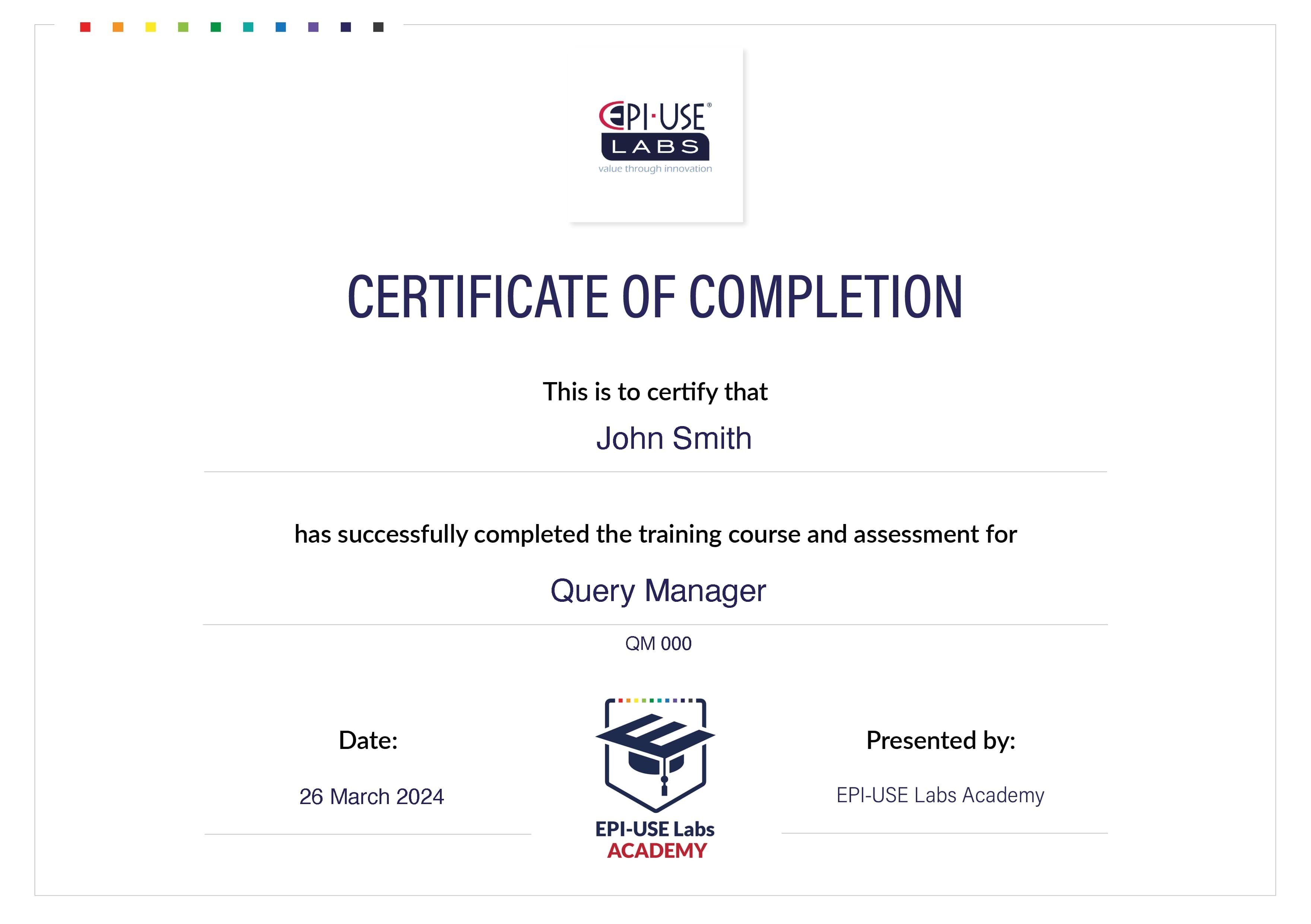
Get to know the basics of Query Manager 4, and earn an official certificate of completion from EPI-USE Labs.
Stand out from the crowd in skill and competence with a certificate of completion from this training course.