
Advance your SAP testing with accurate data and test automation
Integrating EPI-USE Labs' Data Sync Manager (DSM) and Worksoft allows you to streamline the SAP testing process, from creating secure test data to capturing and automating testing.

I'm extremely excited about the partnership with Worksoft pairing the de facto standard in test data management, Data Sync Manager, with high-class automation. The partnership between Worksoft and EPI-USE Labs is a very nice fit because each is interdependent upon each other. Testing is paramount. At EPI-USE Labs we require the automation of test scripts, and Worksoft require the test data to be accurate for them to actually carry out their testing automation. Worksoft is a test automation company. We've been around for approximately twenty-five years. We really help accelerate delivering large scale transformational projects. So we automate testing, removing all that manual activity, helping de-risk organizations. We require good quality data. Where this partnership is really amazing is that EPI-USE Labs can provide that data on demand to Worksoft. They give us the right data on time, every time, and we pick up that data and then use it to be able to test applications and business processes. It's a holistic automated testing approach where you can write your test scripts, you can automate them, and then automate the test data relevant to carry out those particular testing scenarios. Putting these two things together means organizations will be able to have repeatable, reliable automated testing. And in the current environment, the changes that people need to go through with S/4HANA, maybe a journey to RISE, bringing AI into the picture, now more than ever, automating high quality tests is paramount. And you can only do that when you have both the automation scripts, but also the right data underneath to make sure that the tests are accurate and valid. If you're coupling what we do, test automation with data, bringing it together successfully, you can deliver those projects a lot quicker. So we're not just testing end-to-end processes, we're ensuring that we're testing it with the right data. The aim of this partnership is to integrate Data Sync Manager more closely with the Worksoft solution. Both companies have been in existence for many years specializing in the SAP domain. Now that transformation is particularly prevalent, it's a brilliant partnership.

80% reduction in manual testing efforts

90% faster test execution

Improve S/4HANA project efficiency

Up to 40% reduction in post-release defects

Mask sensitive data for compliance
Lights out testing is the aim for all organizations as they navigate the ever more rapidly changing IT landscape. With Data Sync Manager and Worksoft Certify, you can identify Master Data items in your Production system that change frequently. Then, with Object Sync, you can copy these Master Data items to your QA system. Next, Object Extractor is called to extract transactional data and sends it to Worksoft Certify to feed the test automation scripts. This process can be automated to run periodically, ensuring you always have the latest data that happens in Production being used for testing. With accurate data, you'll be able to monitor and highlight any disparities, giving you peace of mind knowing your testing is happening automatically in the background, and you only hear when there is something to investigate.
Ensure your test client contains the most accurate master data and customizing possible, mirroring Production as closely as you can. With Data Sync Manager, you can leverage Client Sync to create an additional lean test automation client in your existing QA system. By using only master data and optionally client-dependent customizing, the impact on the existing system is minimal. This will enable you to isolate changes for testing without disrupting the existing non-production capability. This process can be automated to run periodically, ensuring you always have the latest data that happens in Production being used for testing.
So here's the old way. I'm in my test client. I've got a need to test that order for a particular sales org. I come in and add the sold to and the ship to, and then I come down and add the material, and then I hit an error. On my test system, the material hasn't been extended for the sales org. The master data is just out of date. I can't do my test. Here is the new way. I'm going to come out of my test client and I'm going to go to Production. I'm gonna say, alright, I'm looking for orders. Let's try a few days ago for that sales organization. There we go. I can see some sales documents to work with. Ah, first one even uses the same material number. What a perfect test. So I'm going to come out of Production and now I'm going to bring up my Worksoft certified process ready to run. And this is going to use the Data Connect component to call Object Sync and Object Extractor. So first of all, it's filtering on the same order date that I just specified in the sales org, and it's now reading all the information from those sales orders that we just saw. Once it's executed that, it monitors the run to make sure that it's completed. And when it's completed, it then sets up data to go and align the master data. So it's going to read the materials that are referenced by the order and sync those materials using Object Sync. We can see that in step seven. So it's adding all the materials into the sync and then it's running that sync. Now that sync has run, it's logging on to my test system for me and it's starting to create the orders based on the data that came out of Production. That very first one has the same material. This time, the order won't fail because the material has been copied from Production, and in Production, it's been maintained for that particular sales org. This is automated testing. This can be lights out testing using real data that happens in Production to test on.
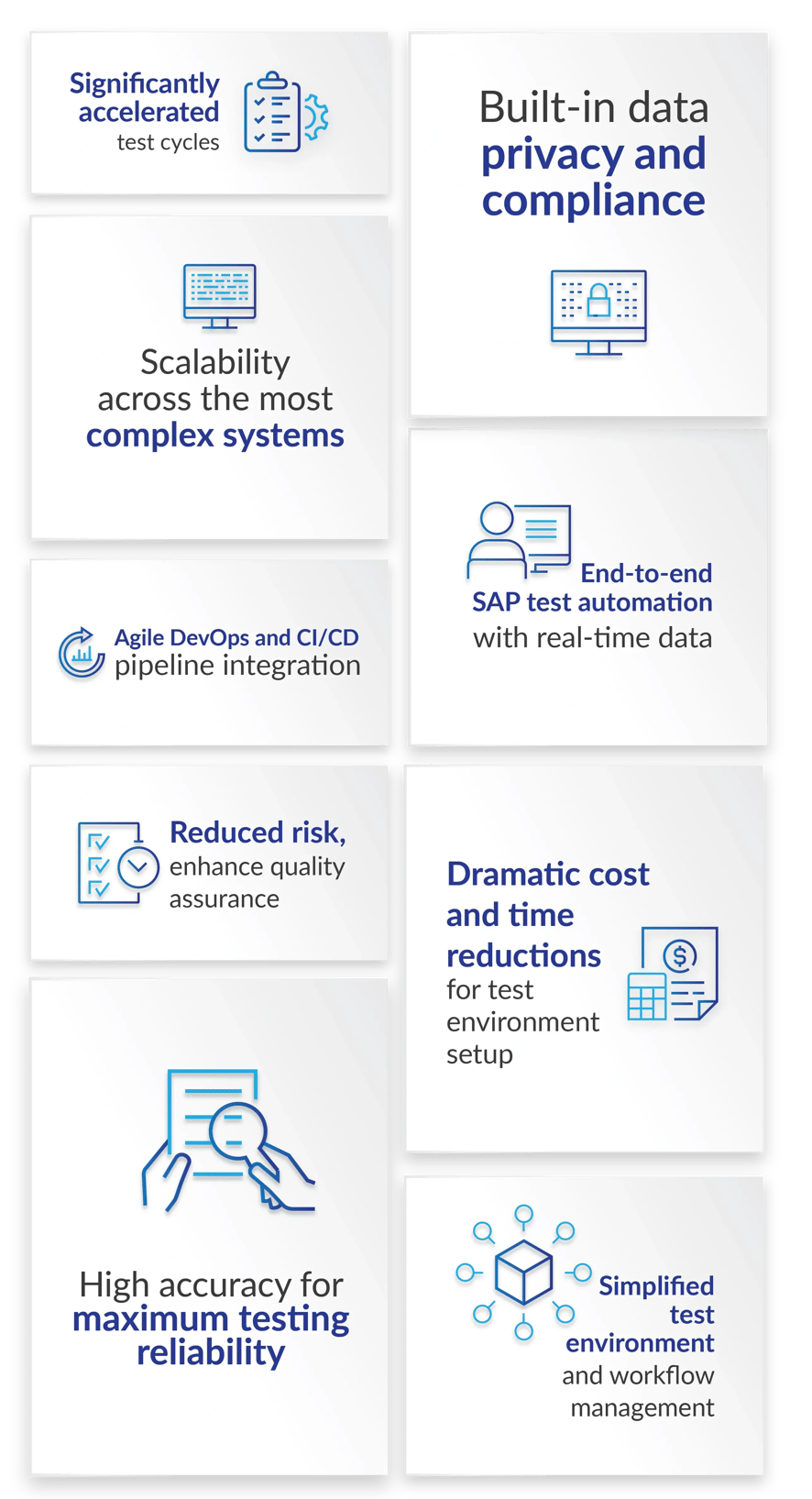
What are the benefits of automating your testing with us?
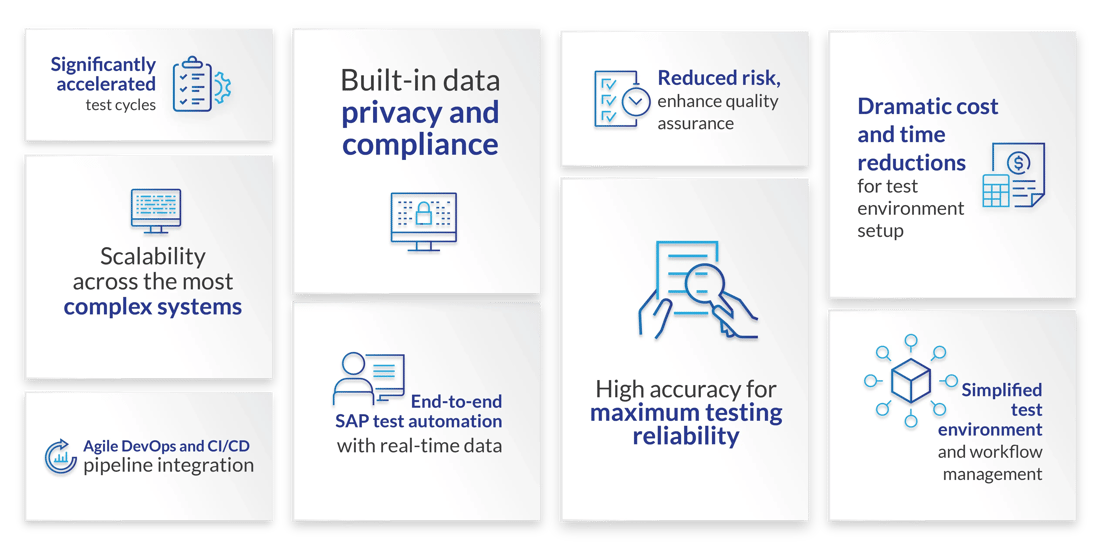
What are the benefits of automating your testing with us?

Book your DSM demo today
See DSM in action. Get insights from a personalized demo from an expert so you can understand how DSM can help your company.

Get your free DSM assessment
Can DSM help you save costs? Validate your SAP system size, footprint, supported objects and more with our free DSM readiness report.

Explore question responses
Have questions about DSM and how it would work for you? Take a look at what other clients are asking in these responses to FAQs.